.png?width=210&height=55&name=StudioC-logo-GRAY_(250px).png)
Waypoint Recommended criteria to light badges
Badges:
- Baptism
- Groups
- Serve
- Attend
- Give
- Lead | Custom and Enterprise Only
- Share | Custom and Enterprise Only
- Missions | Custom and Enterprise Only
- Membership | Custom and Enterprise Only

Baptism
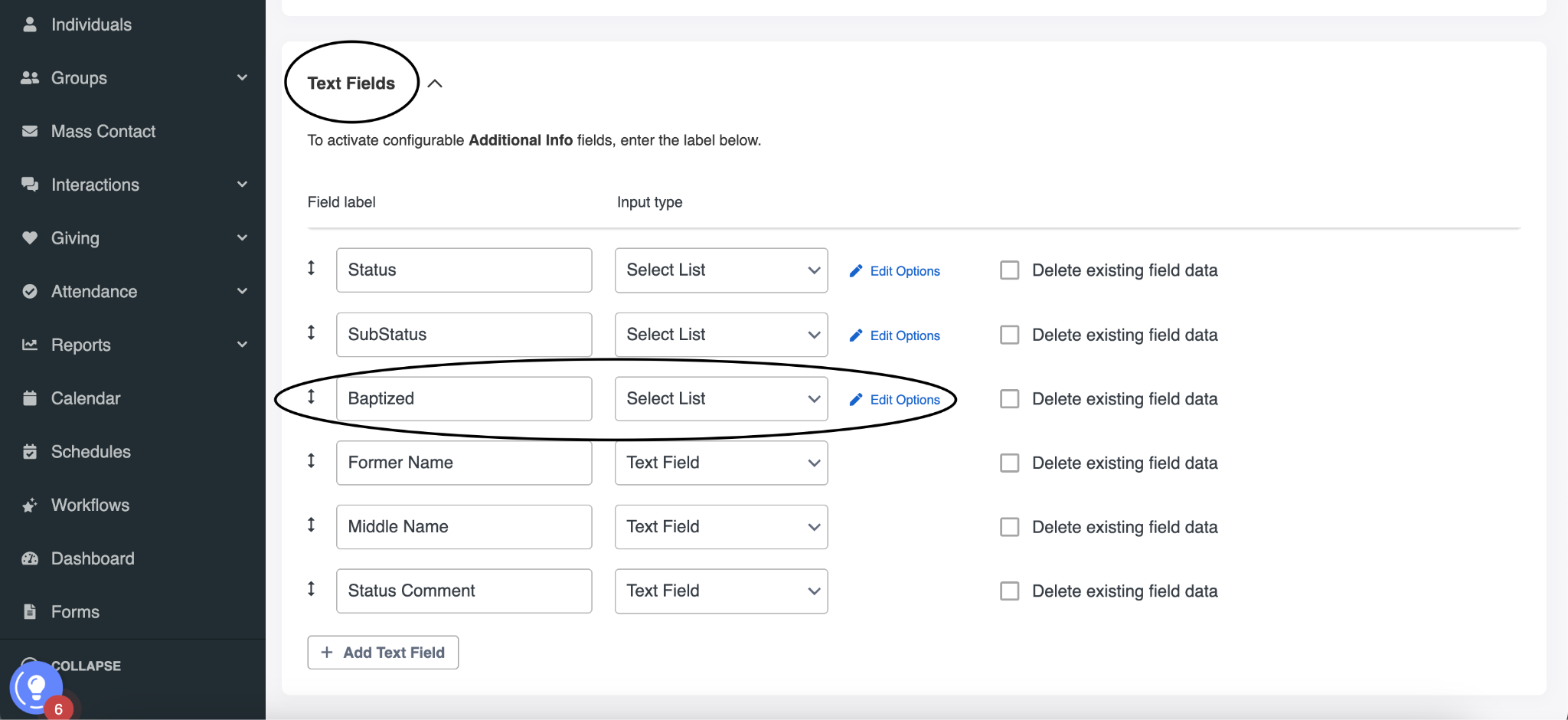
Definition: The baptism badge is used to determine if a person has been baptized by immersion.
Example logic: The baptism badge will light if the Baptism Yes/No field is set to Yes OR if the Baptism Date field is set with a date.
Lighting the icon: We recommend utilizing multiple criteria for lighting the baptism badge.
Data Management: We recommend utilizing multiple fields to track baptism data in your ChMS. Often people have been baptized but may not know their baptism date so using a yes/no field and a date field will ensure that you're capturing everyone who informs you they are already baptized. Additionally, we use the baptism date as a segmentation filter to send celebratory baptism anniversary messages to an individuals dashboard.
Unlighting the icon: Typically, the baptism badge does not unlight.

Groups
Definition: The groups badge looks at a person’s current connection status to an active group.
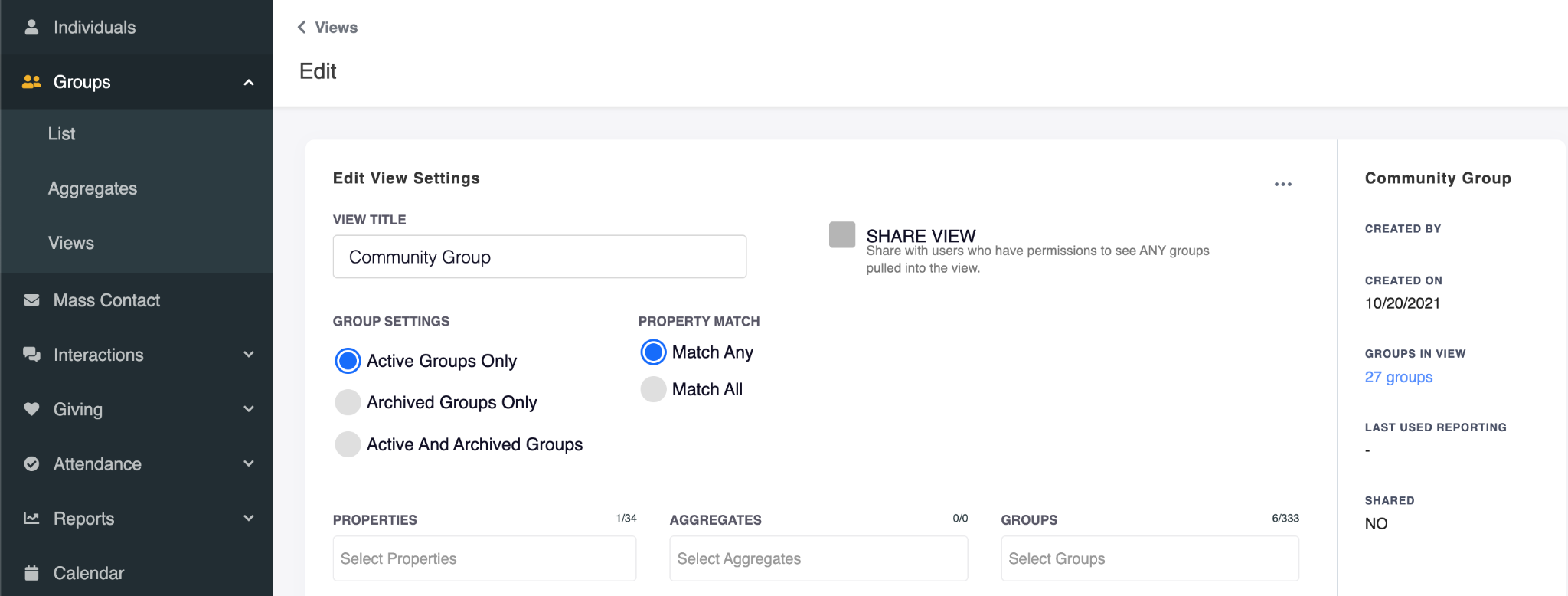
Example logic: If an individual is on the roster of an active group within the Small Group group view their badge will light.
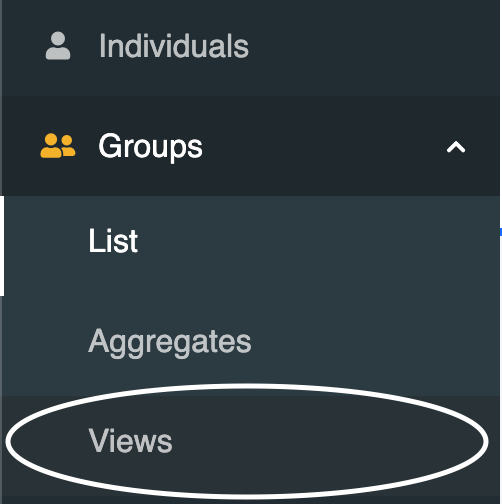
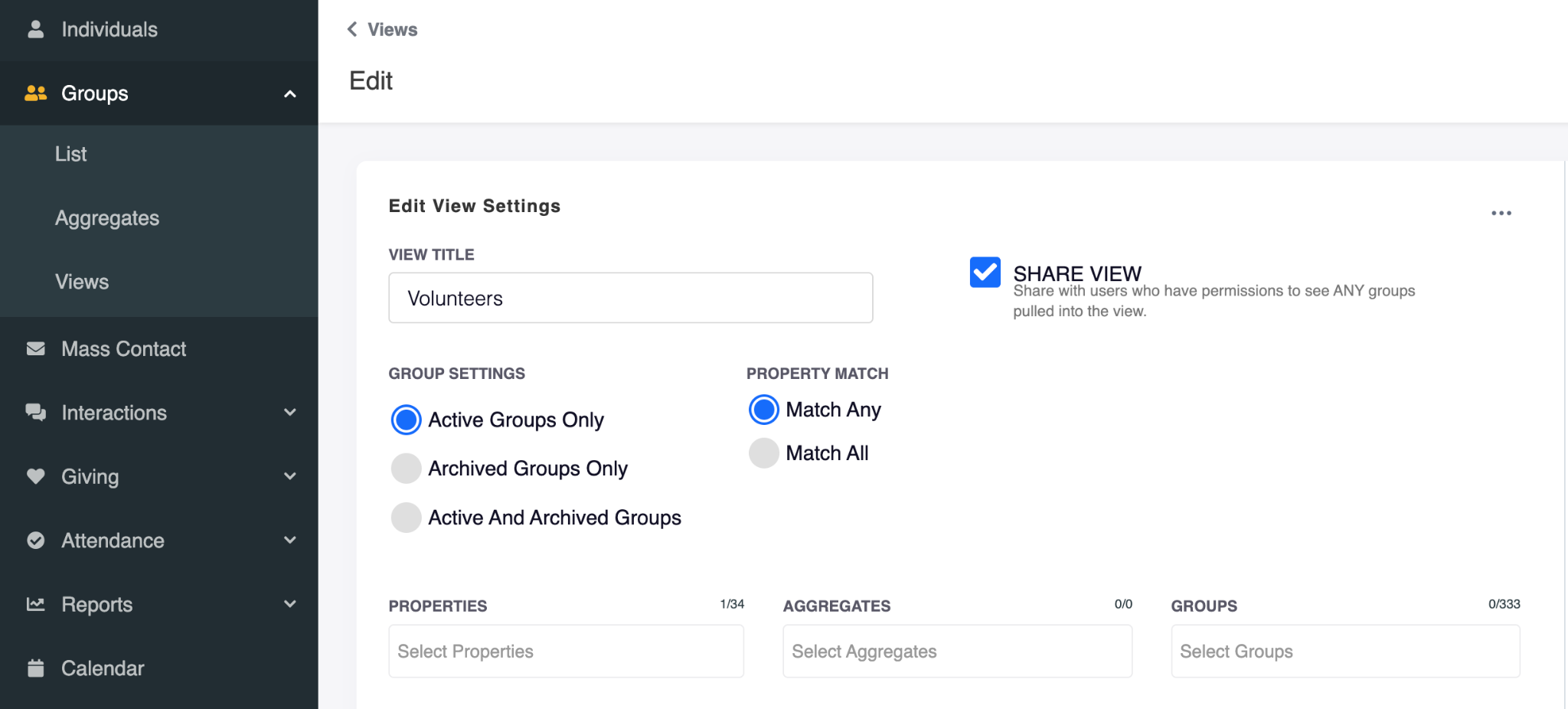
Lighting the icon: We recommend utilizing group views to identify which groups would qualify for lighting this badge. You may have one group view or several that will qualify.
This may require a clean-up of the groups in your ChMS and the group views they have been "tagged" with.
Data Management: We recommend creating an internal process to keep your group rosters current. An individual may sign up for a group, attend a few weeks then decide that group is not for them. Set a process where the group leader can remove them from the group or they inform a staff member to remove the individual.
Unlighting the icon: If an individual is removed from the roster of a group that is in the specified group view or a group in the specified group view is archived the badge will unlight.

Serve
Definition: The serve badge looks at a person’s current participation status to serving.
Example logic: The serve badge will light if an individual is on the roster of an active group with the Serve Team group view.
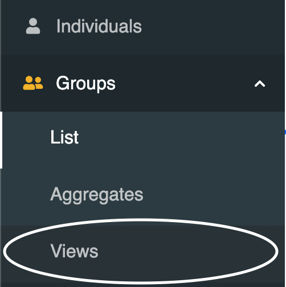
Lighting the icon: We recommend utilizing group views to identify which groups would qualify for lighting this badge. You may have one group view or several that will qualify.
This may require a clean-up of the groups in your ChMS and the group views they have been "tagged" with.
Data Management: We recommend creating an internal process to keep your volunteer rosters current. An individual may sign up to volunteer, attend a few weeks then decide that role is not for them. Set a process where the ministry leader can remove them from the group.
Unlighting the icon: If an individual is removed from the roster of a group that is in the specified group view or a group in the specified group view is archived the badge will unlight.

Attend
Definition: The attend badge looks at a person’s attendance to determine if they are attending regularly.
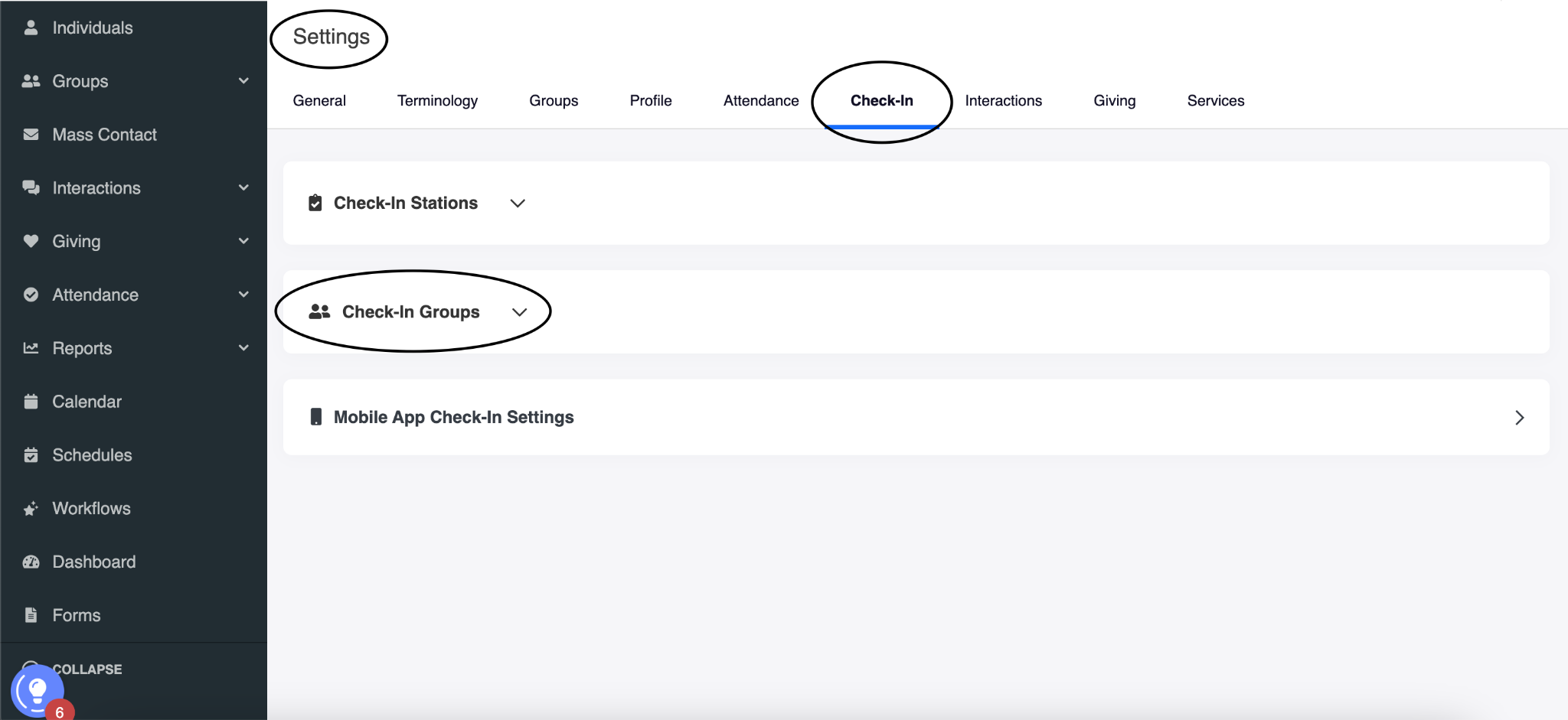
Example logic: The Attend badge will light for an individual who has done any of the listed activities at least 4 times in a rolling 16 weeks; checked in using the MES check-in, checked in a child, or checked in to serve.
Lighting the icon: We recommend utilizing multiple criteria to determine if an individual is attending regularly. You will have some people that meet all of the criteria and others that only meet one of the criteria. By offering multiple criteria, we create a net that captures more people.
- The first option of Waypoint check-in is a feature of the Waypoint tool. The data from the Waypoint check-in resides in your data warehouse, it does not make it's way back into your ChMS.
- The child check-in is based off the assumption that if a person checks their child in to Kids service, they too attended service. Attendance credit is given to the person that checked in the child.
Data Management: Keeping your check-in events clearly titled will help with accuracy and clarity.
Unlighting the icon: This icon would unlight for an individual if the criteria is not met within the allotted time frame. Once the criteria is met again their icon would light.

Give
Definition: The give badge looks at a person’s activity with regard to giving as measured either by transaction frequency or dollar amount.
Example logic: The Give icon will light if an individual is contributing to ANY fund and meets any of the following criteria by transaction frequency or dollar amount:
- contributes for a first time OR
- at least 4 transactions of any amount in a rolling 16 weeks OR
- at least $500 in a rolling 16 weeks OR
- at least $5000 in a rolling 12 months.
- Giving will be combined for the spouses and the icon will light for the adults in the household. Children will be able to light their own icons based on meeting the criteria. This icon will unlight when the criteria is no longer being met.
Lighting the icon: We recommend utilizing multiple criteria to capture if an individual is a regular giver. An individual's icon may light upon a first gift, but if they do not meet any the additional criteria in the allotted time frame their badge would unlight until they meet another criteria.
Data Management: If your giving platform is different than your ChMS we recommend integrating that data back into your ChMS. If you are not currently doing that, we'll need to map to your giving platform in addition to your ChMS. There is an additional fee for mapping to a secondary database.
Unlighting the icon: This icon would unlight for an individual if the criteria is not met within the allotted time frame. Once the criteria is met again their icon would light.